


How to Organize Charging Cables Without the Mess
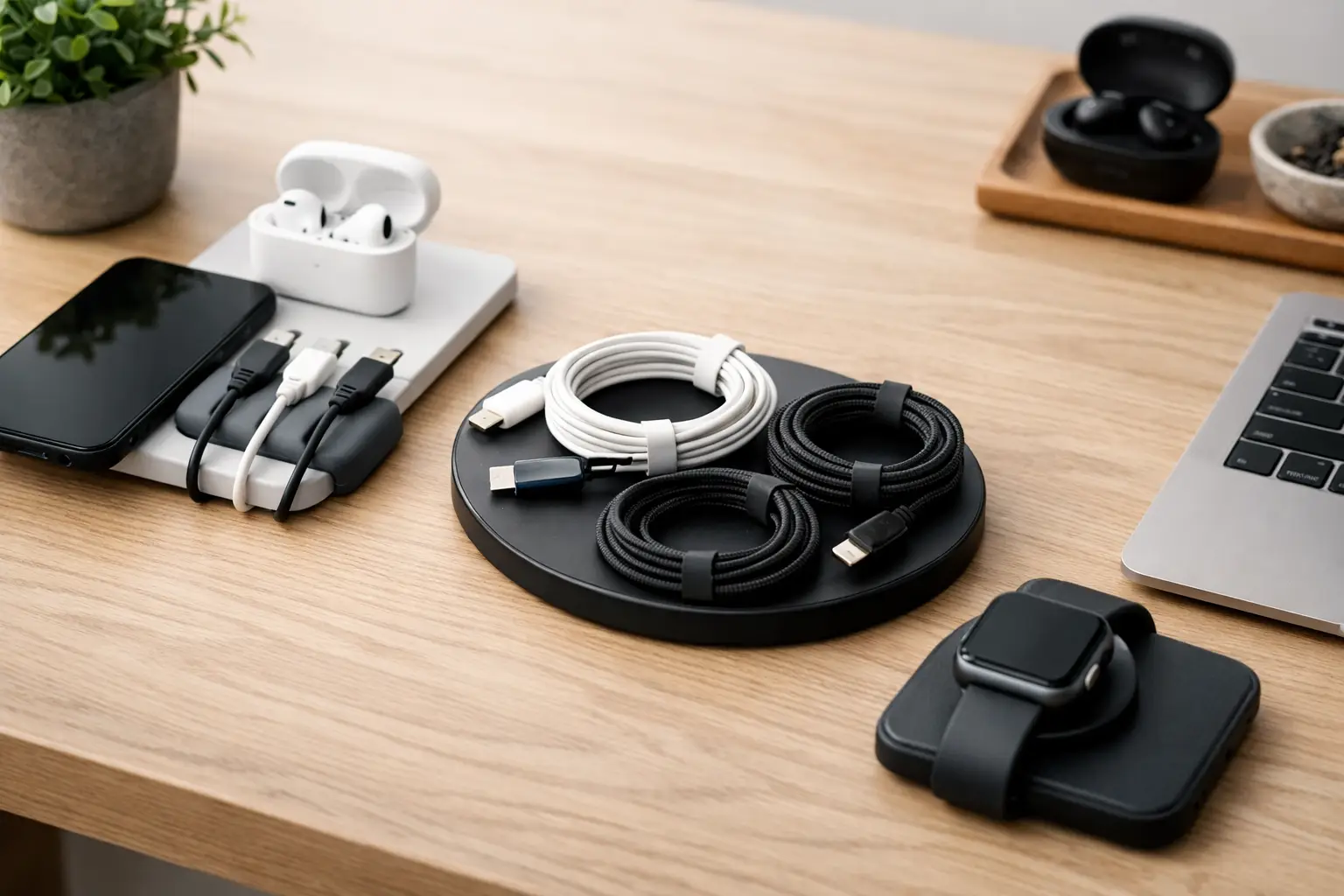
A dead phone is annoying. A drawer full of mystery cords that may or may not fit your phone is worse. Learning how to organize charging cables turns a daily scramble into a quick grab-and-go routine, whether you are powering a work laptop, a tablet for the kids, wireless earbuds, or a smart-home device.
The goal is not to make every cable disappear. It is to give each useful cable a clear job and a dependable home. Once you stop treating chargers as one big category, your desk, nightstand, kitchen counter, and travel bag become much easier to manage.
Start by sorting what you actually use
Pull every charging cable, adapter, power bank, and multi-port charging block into one spot. This can feel excessive, but it is the fastest way to see where the clutter is coming from. You may find three old micro-USB cords, a cable with a bent connector, or a charger for a device you no longer own.
Sort the pile by connector type and purpose. Put USB-C cables together, Lightning cables together, and older connectors in their own group. Then separate cables used every day from backups, travel-only items, and device-specific chargers.
Keep only cables that charge reliably and have no exposed wires, loose connectors, or damaged insulation. A worn cable is not just messy – it can charge slowly, overheat, or stop working when you need it most. Recycle electronic accessories through an approved local program rather than tossing them in the household trash.
If you are unsure what a cable belongs to, label it before putting it away. A small tag that says “camera,” “e-reader,” or “old speaker” can save you from repeating the same guessing game six months later.
How to organize charging cables by where you charge
The most useful cable setup is based on location, not just cable type. Think about the spots where devices regularly run low on power. For many homes, that means a bedside table, a work desk, the living room, the kitchen, and the car.
At the bedside, keep only the chargers you use overnight. A short cable and a charging stand or cable clip can prevent the cord from falling behind the bed. If two people share the space, assign each side its own cable or use a multi-port charger with clearly separated cords.
At a home office, prioritize easy access and a clean work surface. Route laptop, monitor, phone, and headset cables toward the back of the desk, then secure the extra length underneath. A cable tray or adhesive clips work well here because they keep cords off the floor and away from chair wheels.
In shared spaces, a small charging station is often better than leaving chargers scattered across counters. Choose a basket, drawer insert, or compact organizer with room for a power strip and a few device slots. This is especially helpful for families: everyone knows where to charge a tablet, headphones, or handheld game device without borrowing someone else’s cable.
Choose the right length for the job
Long cables have their place, but they are often the reason a space starts looking untidy. A six-foot cord is handy beside a sofa or bed. It is usually unnecessary on a desk where the outlet sits only a foot away.
Use short cables for permanent stations, such as a nightstand, desktop, or charging drawer. They create less slack to hide and are easier to route neatly. Save longer cables for flexible spaces and travel, where outlets may be farther away.
When extra length cannot be avoided, coil it loosely into an even loop. Avoid wrapping a cable tightly around a charger or bending it sharply near the connector. Those stress points can shorten its life. A reusable hook-and-loop tie is a simple fix that holds the coil without pinching the wire.

Give loose cords a simple system
You do not need a complicated storage solution to keep cables in order. The right option depends on how many devices you have and how often you switch them out.
For a few everyday cords, cable clips attached to a desk edge, bedside table, or console keep ends right where you need them. They are ideal for stopping charging cables from slipping behind furniture.
For spare cables, use a divided drawer organizer or a small lidded box. Coil each cable separately, secure it with a reusable tie, and place a label on the compartment. This method is practical for homes with a mix of phones, smartwatches, cameras, speakers, and gaming accessories.
For travel cables, use a dedicated pouch with elastic loops or interior pockets. Keep a wall adapter, a power bank, and your most-used charging cords in that pouch at all times. You will pack faster, and you will be less likely to pull a key cable from your home setup at the last minute.
For visible setups, a cable box can hide a power strip and excess cord length while still leaving outlets accessible. It is a smart choice near a TV stand, entry table, or family charging zone. Just make sure the box has ventilation and is large enough for the power strip and plugs inside it. Never force adapters into a cramped enclosed space.
Build a charging station that people will use
The best organization system is one that fits real life. If your household naturally charges devices on the kitchen counter, create a tidy station there instead of insisting everyone walk upstairs to a drawer. Convenience is what keeps a system working.
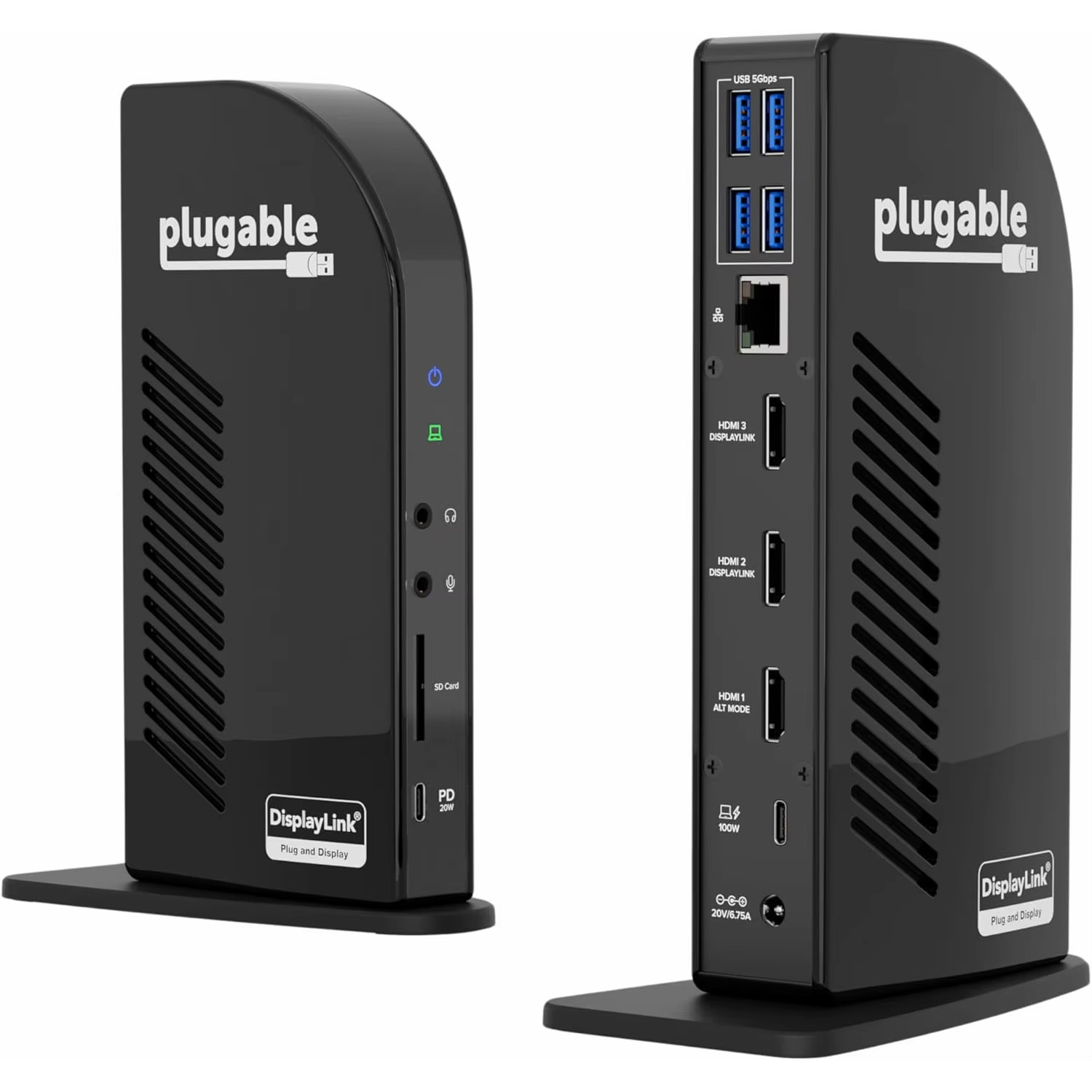
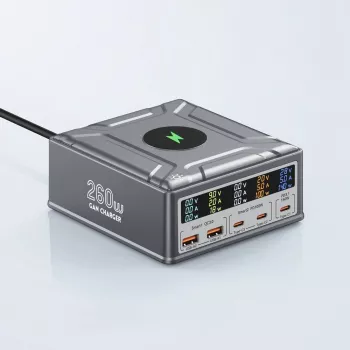
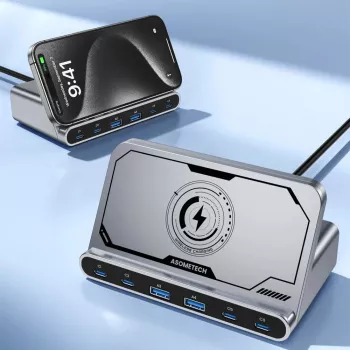
Start with a quality surge protector or multi-port charging block that can handle your devices. Check the wattage requirements for laptops, tablets, and fast-charging phones, since not every port delivers the same power. A multi-port hub can reduce the number of wall adapters, but it may not be the best choice if several high-power devices charge at once.
Add a tray or organizer to contain the station. Keep it near an outlet but away from sinks, food prep areas, pet bowls, and places where cords can become a tripping hazard. If children use the station, keep small adapters and loose cable ties out of reach.
A shared station also benefits from clear limits. Designate it for current devices only, not every cord that enters the house. Once a month, remove abandoned cables and return them to the backup drawer or recycle them if they are no longer useful.


Make desk cables disappear without losing access
A clear desktop helps you focus, but hiding every wire can make troubleshooting frustrating. Aim for controlled visibility instead. You want power where you need it, with most of the extra length tucked away.
Mount a cable tray beneath the desk to hold a surge protector and bulky adapters. Use clips along the underside or rear edge to guide each cable in the same direction. If a cable needs to reach a device that moves, such as a laptop, leave a little extra slack near that device rather than pulling it tight.
Label both ends of important cables, especially if you use multiple monitors, docks, external drives, or networking equipment. A small label is a minor detail until something stops working and you need to identify the right cord quickly.
Avoid bundling power cords and delicate data cables too tightly. Keeping them organized is great, but tightly packed cables are harder to replace and can create unnecessary strain. Use separate channels or loose groups when possible.
Keep chargers ready for travel and busy days
The cable you need most often is usually the one that gets borrowed from another room. A small travel kit prevents that problem. Keep one dependable USB-C cable, one device-specific cable if needed, a compact wall charger, and a power bank together in a pouch.
Before a trip, test the kit instead of assuming it is ready. Charge the power bank, check that the wall adapter fits your destination plans, and make sure the cable supports the charging speed you expect. Some USB-C cables transfer data but do not support high-wattage charging, so they are not all interchangeable.
For the car, use one dedicated cable rather than moving your favorite home cable back and forth. Choose a length that reaches the passenger seat without draping across controls or creating a tangle around the gear area.
Refresh the system when your devices change
Charging needs change quickly. A new phone may use USB-C instead of Lightning. A new laptop may need more wattage than your old charger can provide. Smart-home additions, wearable tech, and kids’ devices can also turn a once-simple setup into a cable pile.
Take five minutes every few months to check your charging zones. Replace frayed cables, remove duplicates that never get used, and make sure frequently used chargers still live where they make sense. If your home has outgrown a single power strip, add a second purposeful station instead of overloading the first one.
Small upgrades can make this routine feel much easier: color-coded cable ties for different family members, a compact desktop charger, a travel pouch, or a drawer organizer that keeps backup cords visible. PO-Store’s mix of practical tech and home essentials can be a handy place to find everyday tools that help clear the clutter.
A well-organized charging setup does more than make a room look better. It removes one tiny source of friction from busy mornings, workdays, and travel days. Put your most-used cable within reach, give every backup a labeled spot, and let the rest leave your space for good.
Upgrade your charging space — learn how to organize charging cables
organize charging cables, organize charging cables, organize charging cables p














Leave a comment