


Gaming Headset Review: What’s Worth Buying?
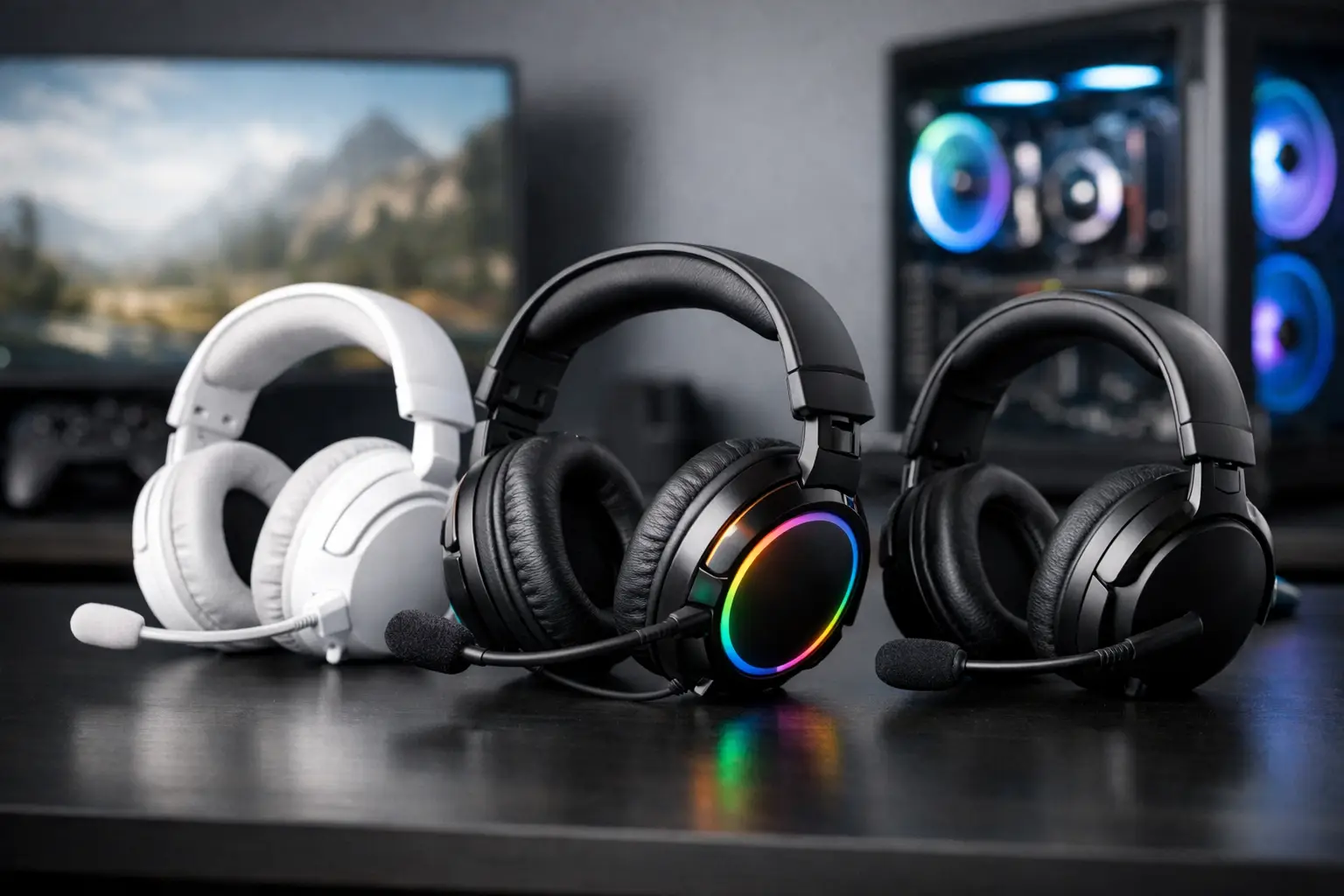
A gaming headset can make a close match feel electric or leave you struggling to hear a teammate over rumbling bass. This gaming headset review focuses on what actually changes the experience: clear positional sound, a microphone people can understand, comfort that lasts past the first round, and features worth paying for.
The right pick is not automatically the headset with the biggest driver size, flashiest lighting, or longest list of modes. A busy parent fitting in a few evening matches, a competitive player calling out enemy positions, and a gamer who switches between a console and laptop all have different priorities. Shop smart by starting with how and where you play.
Start With Your Play Style, Not the Spec Sheet
For fast multiplayer games, sound positioning and microphone clarity should lead the decision. Hearing footsteps, reloads, and the direction of incoming action can be more useful than exaggerated low end. Look for a headset described as having a balanced sound profile, virtual surround support if you enjoy it, and an adjustable boom mic.
For story-driven games, a fuller, more cinematic sound can be a great fit. Strong bass adds impact to engines, soundtracks, and big action scenes, although too much bass can blur dialogue and smaller effects. If you use your headset for movies, music, or podcasts between gaming sessions, an all-around tuning is usually the safer choice.
If your gaming happens in a shared room, closed-back earcups are often the practical option. They help keep outside noise from breaking your focus and reduce the amount of game audio escaping into the room. Open-back designs can sound more spacious, but they let in more household noise and may not suit late-night play.
Gaming Headset Review: The Features That Matter
Comfort decides whether you will keep using it
A headset can sound excellent and still end up in a drawer if it creates pressure points after an hour. Pay attention to overall weight, clamp force, headband padding, and earcup depth. Players who wear glasses may prefer softer memory-foam cushions or earcups with enough room that the arms of their glasses are not pressed tightly against their head.
Breathable fabric pads can feel cooler during long sessions, while leatherette-style pads may provide better isolation and are often easier to wipe clean. Neither is universally better. A warm room, longer play sessions, and personal comfort preferences should guide the choice.
Fit is especially hard to judge from photos alone. Product reviews that mention several hours of wear, glasses compatibility, heat buildup, or pressure around the jaw are far more useful than a quick comment saying a headset is “comfortable.”
Audio quality is about clarity, not just volume
Good gaming audio lets different sounds stay distinct. Dialogue should remain understandable when music rises, explosions should have impact without turning everything muddy, and subtle cues should not disappear. You do not need expensive studio-level sound for enjoyable gaming, but you do need a sound profile that matches your favorite genres.
Surround sound can help create a wider sense of space, particularly in supported games. Still, it is not a magic upgrade. Some players prefer a clean stereo mix because it sounds more natural and makes direction cues easier to interpret. If the headset includes an app with equalizer settings, that flexibility is valuable. You can lower overpowering bass, brighten dialogue, or create separate profiles for shooters and casual listening.
A clear mic is a major quality-of-life feature
For team games, the mic can matter as much as the speakers. A detachable or flip-to-mute boom microphone is convenient because it keeps the mic close to your mouth and out of the way when you are done chatting. Noise-reduction features can help reduce keyboard clicks, fan noise, and background conversation, but they vary widely in effectiveness.
Listen for a common theme in customer feedback: whether voices sound natural, whether the mic picks up too much room noise, and whether mute controls are easy to find mid-game. A headset with a great-sounding mic is also useful for remote meetings or catching up with friends, giving it more everyday value.
Wired versus wireless is a real trade-off
Wired headsets remain an easy, dependable choice. They typically cost less, have no battery to charge, and connect directly to many controllers, computers, and handheld devices through a 3.5 mm jack or USB connection. The downside is cable management. A cord can snag on a chair or feel limiting if your setup changes frequently.
Wireless headsets offer more freedom, especially if you like to stand up between rounds or keep your console across the room. Check battery life, charging time, and connection type before buying. A dedicated USB wireless adapter can offer a reliable gaming connection, while Bluetooth is useful for phones and casual listening but may have compatibility limits or added delay on certain gaming devices.
Multi-device connectivity is a welcome convenience for shoppers who want one headset for gaming, calls, and music. Just confirm how switching works. Some models connect to two devices at once, while others require you to manually change modes.
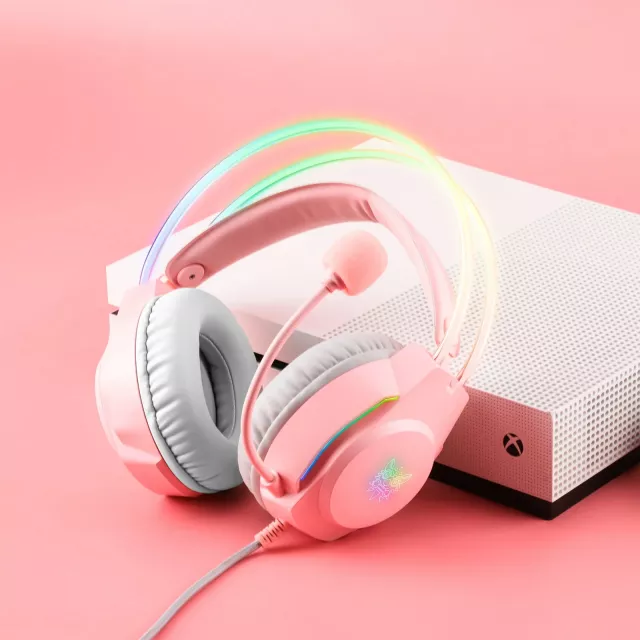
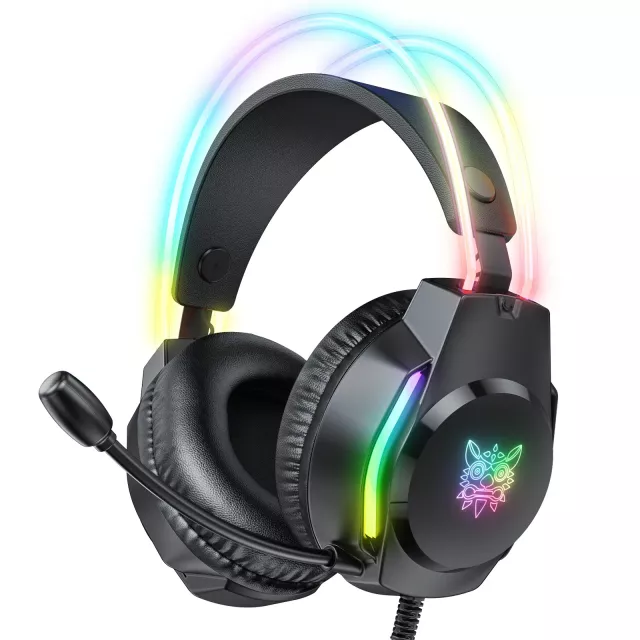

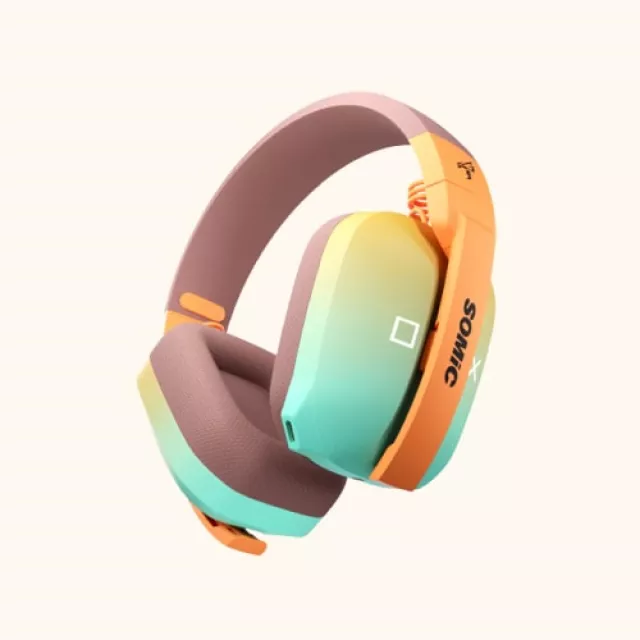
Compatibility Is the Detail That Can Ruin a Great Deal
Before adding any gaming headset to your cart, confirm that it works with your exact platform. “Compatible with console” is not always specific enough. A headset may work through a controller’s audio jack but not support all features, such as surround settings, chat mixing, or its companion app. USB headsets can be excellent for PC gaming yet have limited functionality on a console.
Check the connection you need, whether your device has the required port, and whether an adapter is included. For a family setup, it is also worth considering whether the headset can move easily from a gaming console to a laptop without a complicated setup. Fewer accessories and fewer settings mean more time playing.
What to Expect at Different Price Points
Budget gaming headsets can deliver surprisingly solid basics: stereo sound, a functional boom mic, and cushioned earcups. They are ideal for casual gaming, younger players, backup setups, or shoppers who do not need wireless features. The trade-off may be less durable materials, less detailed sound, or limited control options.
Mid-range models are often the sweet spot for most households. This is where you are more likely to find better padding, stronger microphone processing, wireless options, useful software controls, and improved build quality. If gaming is a regular hobby rather than an occasional activity, spending a little more here can make a noticeable difference over time.
Premium headsets may offer higher-end drivers, advanced wireless technology, longer battery life, multi-device connections, and more refined comfort. They can be worthwhile for frequent players who will use those features. But higher price does not guarantee the best fit. A lighter mid-range headset with a clear mic can be a better purchase than a premium model loaded with features you will never turn on.
Read Reviews Like a Confident Shopper
Star ratings give a quick snapshot, but the written feedback tells the fuller story. Look for repeated comments across recent reviews rather than one unusually enthusiastic or frustrated experience. Consistent mentions of a weak hinge, short battery life, uncomfortable earcups, or connection drops deserve attention.
Also consider the reviewer’s setup. A complaint about poor console compatibility may not apply if you are buying for PC, while praise for Bluetooth may not help if you need low-latency wireless for competitive play. Reviews are most useful when the reviewer plays the same kinds of games and uses the same platform you do.
A few product details deserve a final check before checkout:
- The headset’s supported platforms and connection type
- Battery life and charging method for wireless models
- Mic controls, mute indicator, and detachable parts
- Return policy and warranty information
That quick review can prevent the most common disappointment: getting a headset that sounds promising but does not fit your gaming setup.
The Best Choice Is the One You Will Reach for Every Night
A great gaming headset should make play easier, clearer, and more enjoyable without adding another device to manage. Prioritize comfort if you play for hours, mic quality if you play with friends, and compatibility if your household uses multiple devices. Features like lighting and elaborate surround modes can be fun extras, but they should not outrank the basics.
When you find a model that matches your platform, budget, and routine, it becomes more than a gaming accessory. It is the simple upgrade that makes every match, movie night, and group chat feel a little more connected.













Leave a comment